Travgo is a Travel Mobile App Template, which is a set of pre-designed user interface elements that can be used to create a mobile application for travel and tourism. Travgo travels mobile app UI kits also include ready-made screens for different sections of the app, Suitable for anyone who is looking for app, app landing, app template, mobile app landing, travel app, multipurpose app etc website such as hotel booking, Tourist spot finding, Tour guide finding, destination search, payment option, message chatting, audio call, video call, and more features. These app screens are designed with the latest modern design trends with user experience principles in mind.
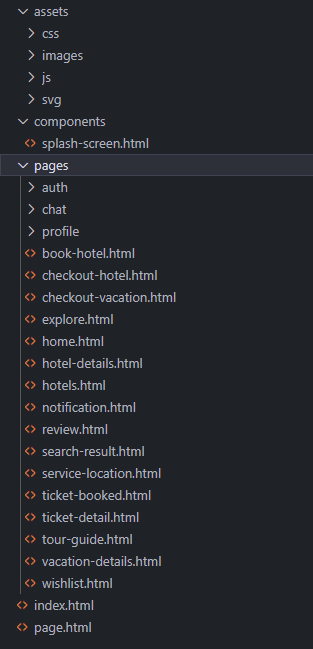
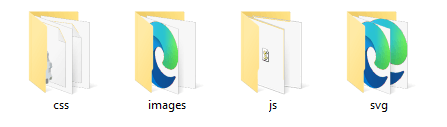
The main archive you will download will contain the following folder structure:
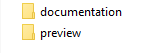
The main demos of the template are found inside the "preview" folder. Once you open it, you will see all the folder. In that folder you will see all the main demos of this template. To test the demos just open the main index.html file.
A HTML/CSS Template is a pre-designed layout that will help you build a final website. HTML ( HyperText Markup Language) is the basic coding to create web pages. CSS stands for Cascading Style Sheets and it's used to define and style the HTML elements.
To install a HTML/CSS template requires just to copy the template files on your webserver. This can be done using your hosting provider custom interface or a FTP (File Transfer Protocol) software. Our recommandation is FileZilla.
A regular HTML/CSS template does NOT include a CMS (Content Management System) to edit/add content of the pages. All content is edited using a HTML editor. HTML editors can be found as free and paid editors. Some modern HTML editors have included a DESIGN view mode of the code, making it easier for templates to be edited. Regular ones will let you edit the content only from the code mode, meaning you will need to have a basic HTML coding knowledge.
EDITING THIS TEMPLATE REQUIRES BASIC HTML/CSS AND JAVASCRIPT KNOWLEDGE. IF YOU DON'T HAVE A BASIC KNOWLEDGE OF THIS WE RECOMMEND HIRE A WEBDESIGNER OR LOOK FOR A FREELANCER ON ENVATO STUDIO.
EDITING THIS MOBILE TEMPLATE DO NOT REQUIRE A SERVER. YOU CAN EDIT IT USING A LOCAL HTML EDITOR SOFTWARE. ONLY TESTING IT, WILL REQUIRE TO BE UPLOADED TO A SERVER.
To edit this HTML template you will need a HTML editor. Even Notepad will do the job, but a dedicated HTML editor will work better in arranging the code structure. HTML editors are softwares that allow code editing. Some HTML editors have included a DESIGN mode, which will allow you to see the interface of the page you are editing. Editors can be found FREE or PREMIUM on the WEB.
The main HTML structure is composed from:
- the header
- the main content
- the footer
You can find all the CSS file in assets > css folder.
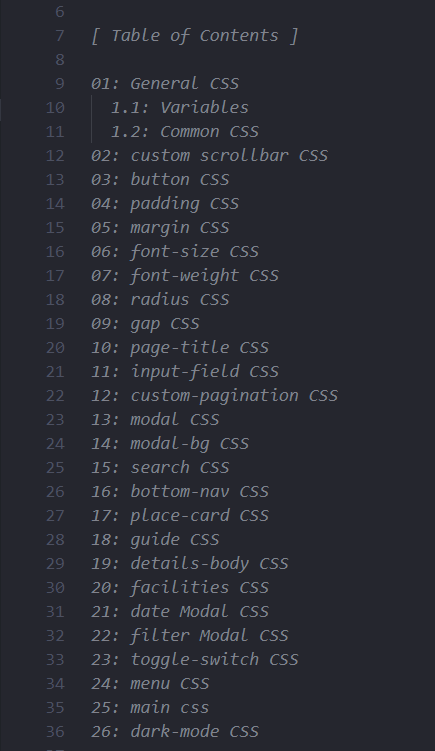
At the beginning of each css file there is a Table of Content, so you know exactly from where each section can be customized.
The header part contains the main navigation of the page. You can find all the pages and components in this navigation.
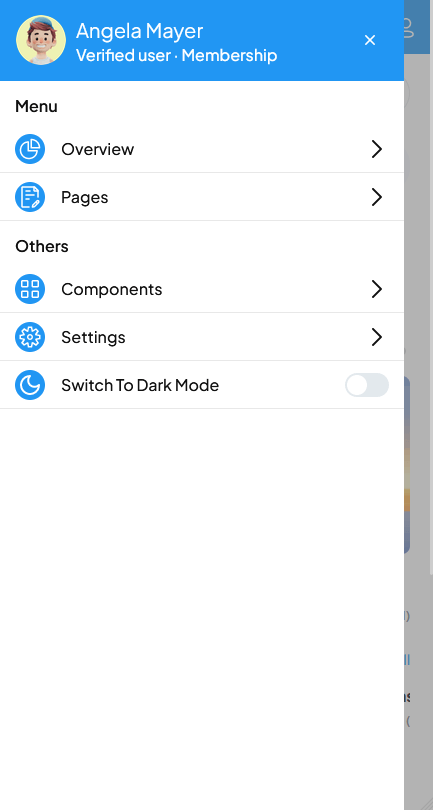
You can find the navigation code in index.html, home.html, signin.html, signup.html file in preview folder.
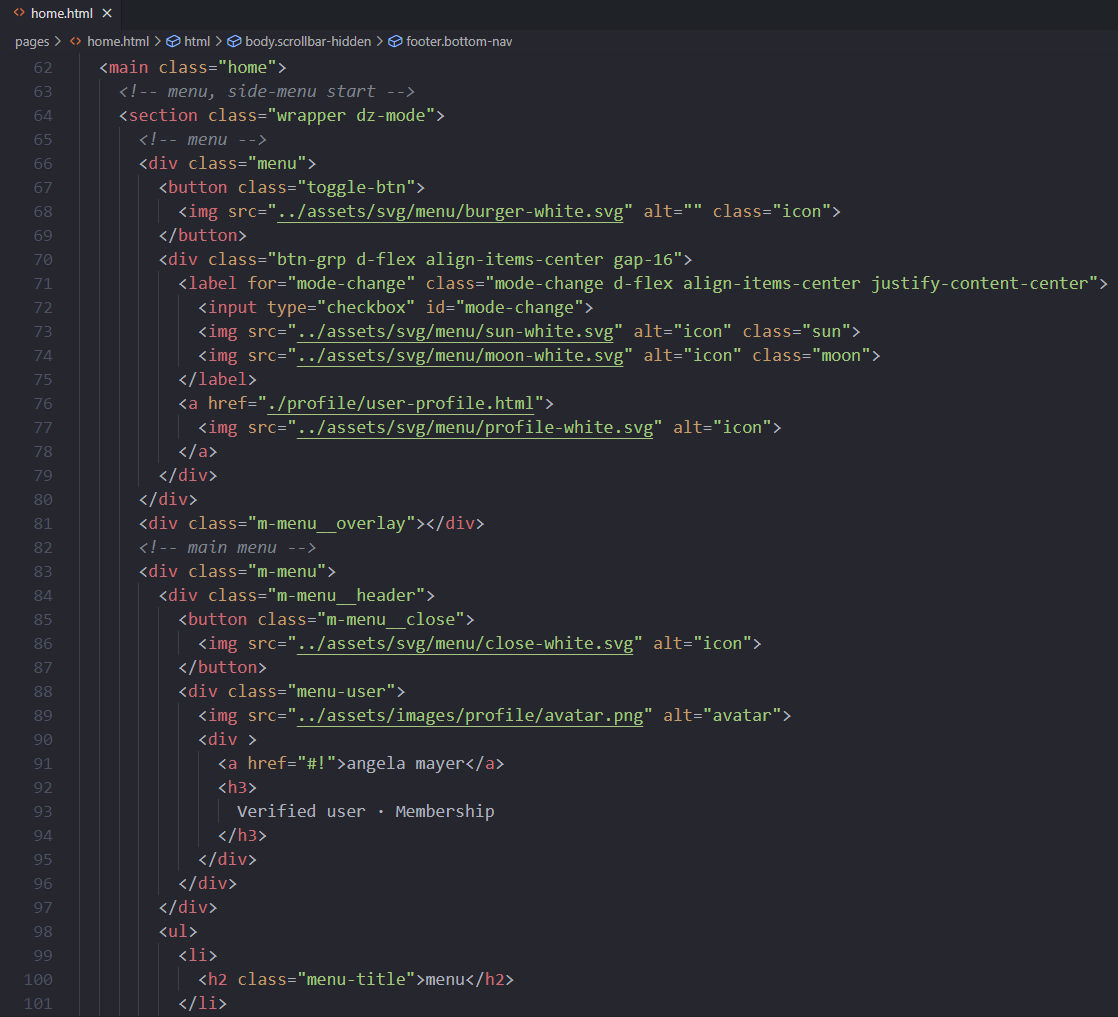
The main content part contains the content of the home page named home.html
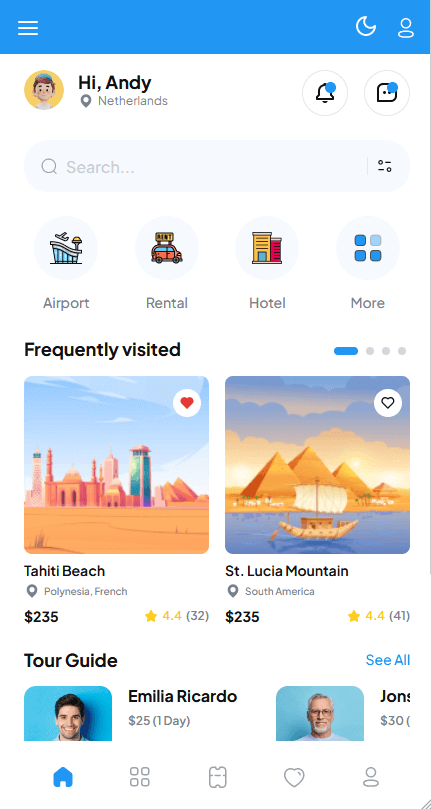
You can find the home layout code in home.html file in preview folder.
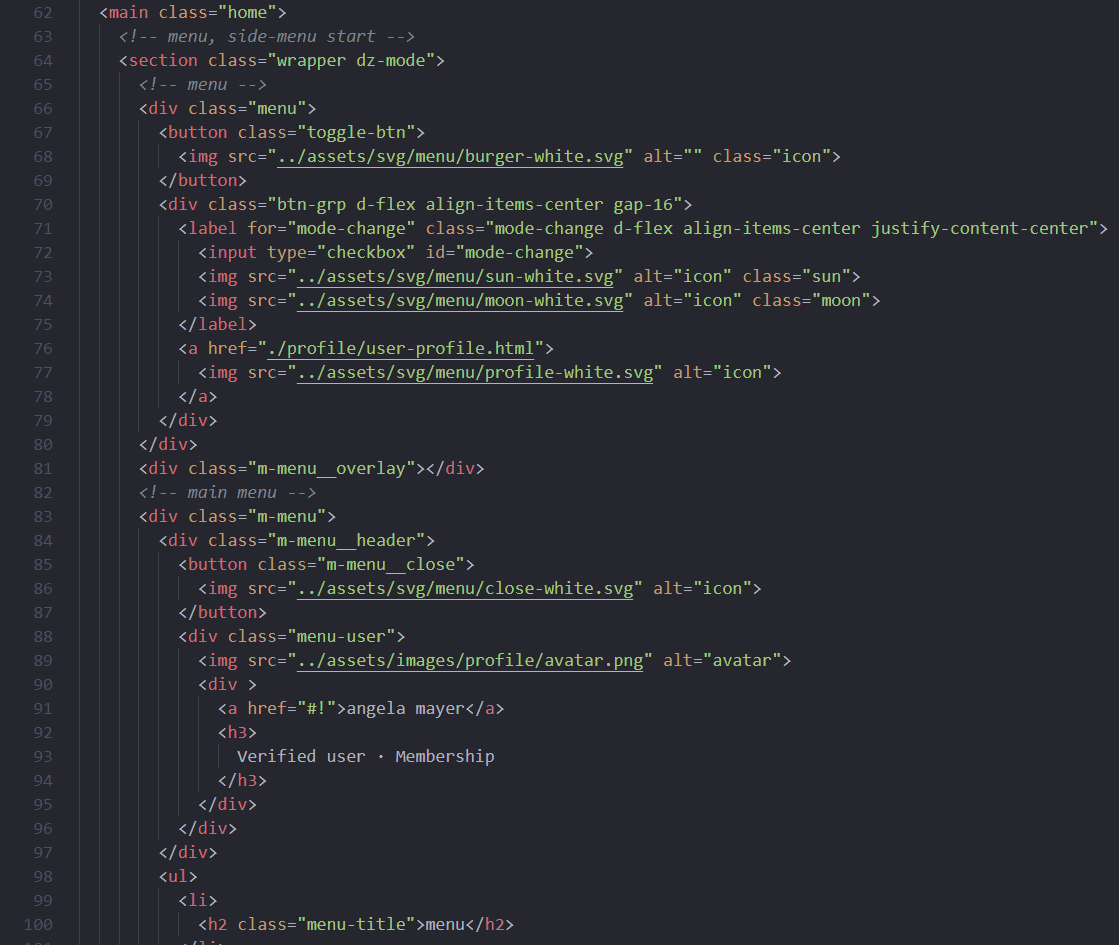
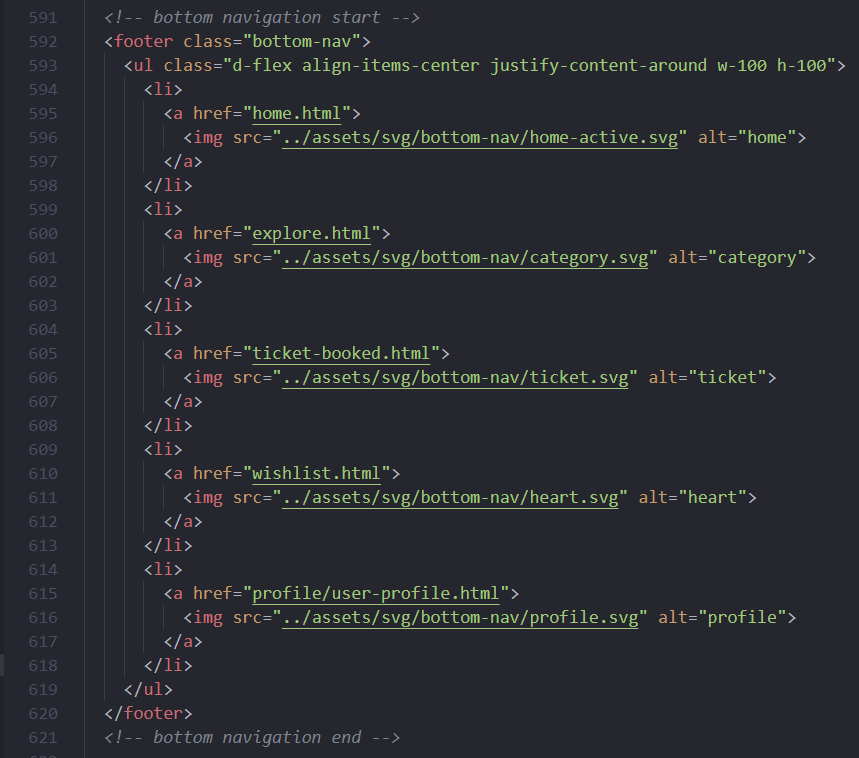
1. You can change the navigation by searching the class name 'bottom-nav' in home.html file.
2. home.html - contains some examples of slider which can be used to create custom slider structures in pages
You can find the slider source code in home.html file
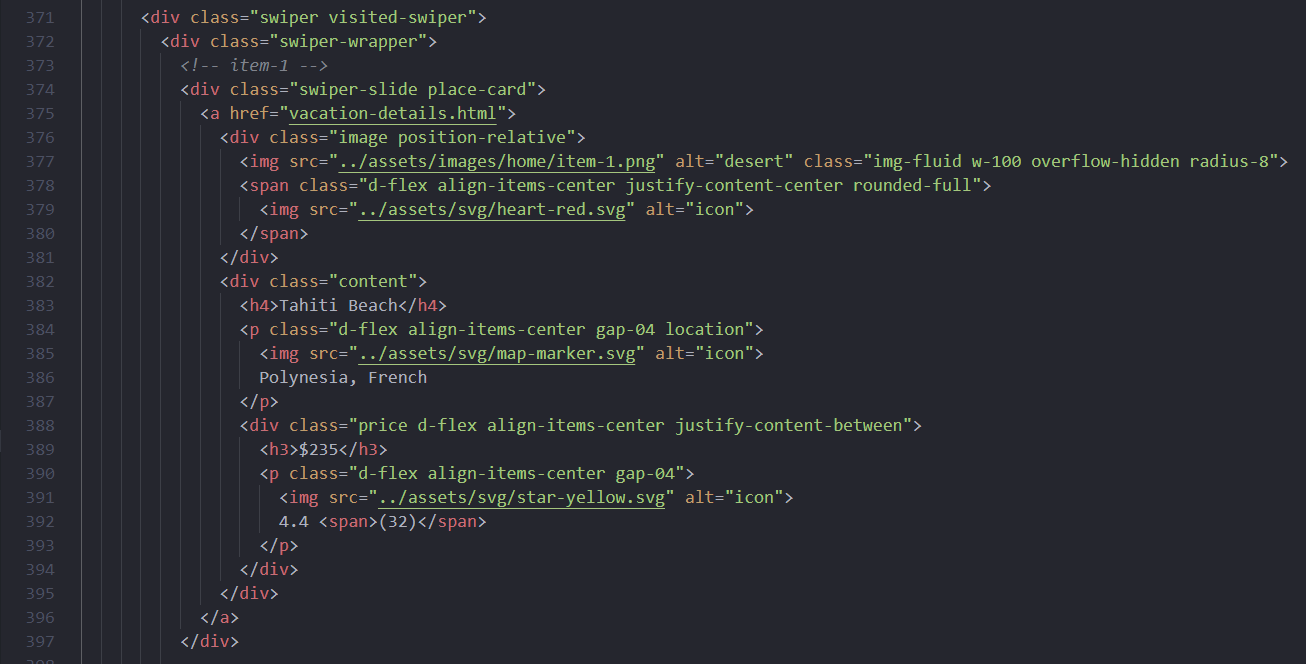
The slider is made by Swiper slider plugin. You can add the slider in your template by add swiper-bundle.min.css and swiper-bundle.min.js file in your page header.
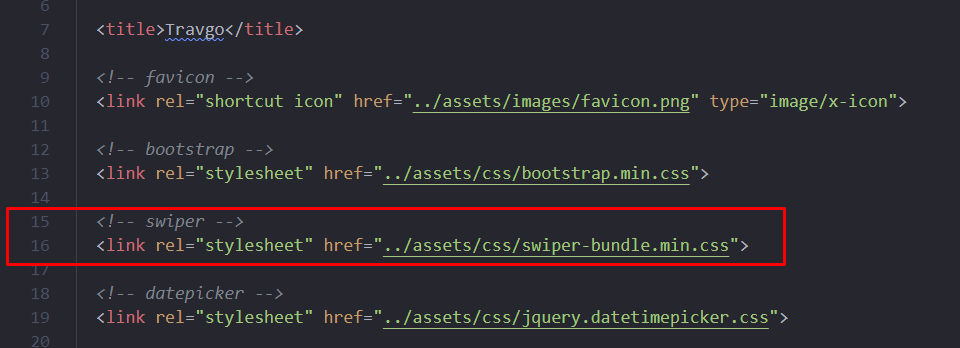
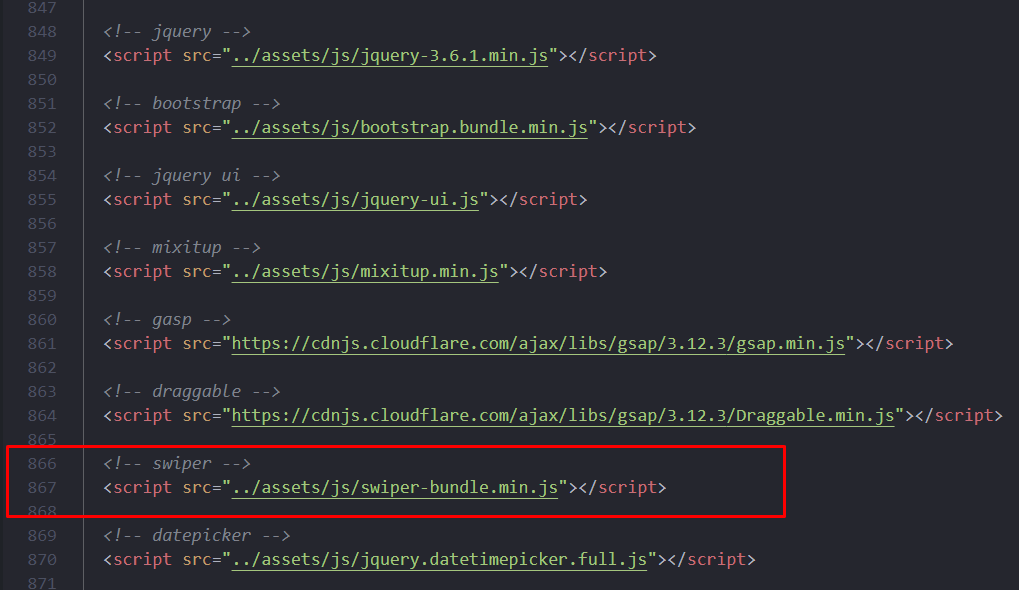
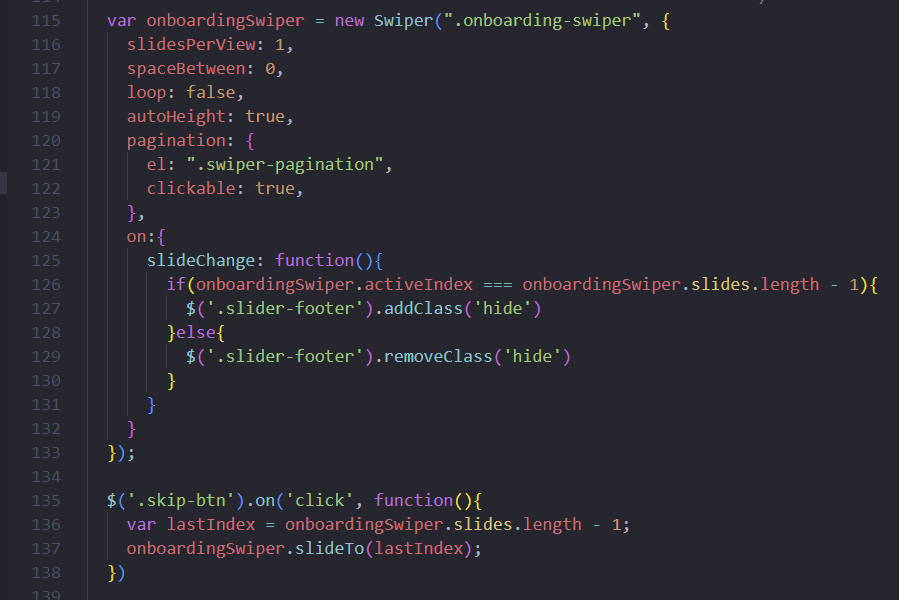
Then in script.js file add the javascript or jquery codes.
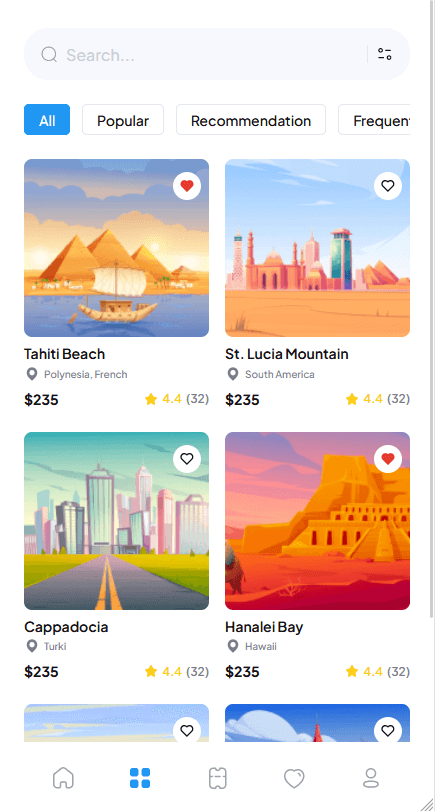
3. explore.html file contains location cards for vacation.
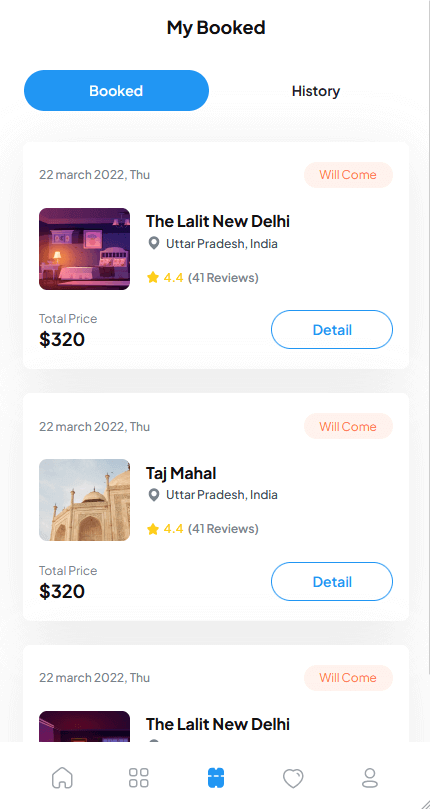
4. ticket-booked.html file contains ticket cards for vacation.
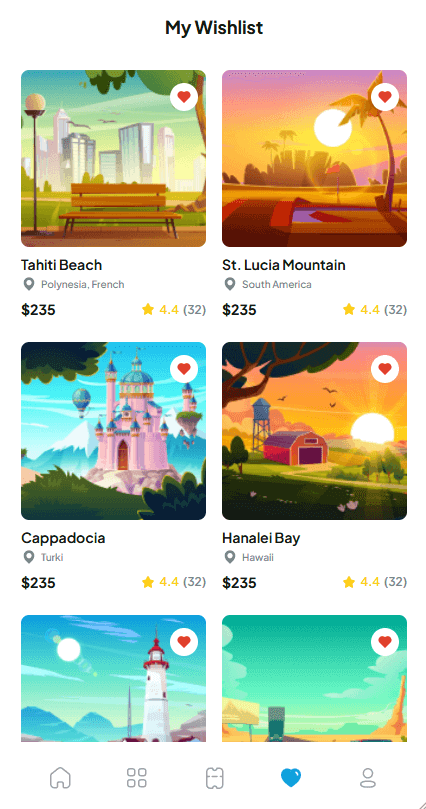
5. wishlist.html file contains wishlist cards for user wishlist items.
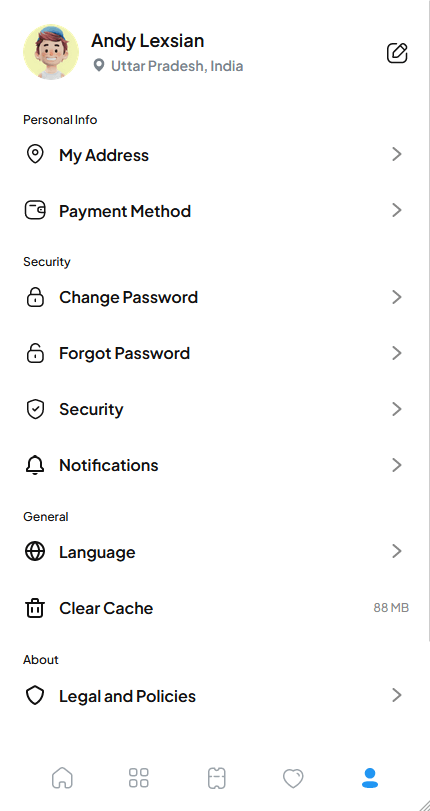
6. user-profile.html file contains profile information for user.
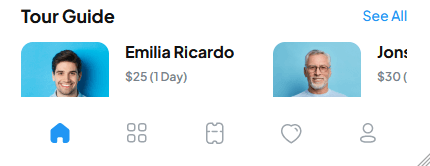
Bottom Navigation HTML codes are in index.html file in preview folder.
There are included more secondary pages in the demos. Like setting, authentication, profile, home, ticket, search-result, notification.... etc. All the pages are ready to use in make separately inside the preview folder.
Here are some examples of secondary pages structures:
1. signup.html - contains some example of cards blocks which can be used to create custom blocks structures in pages. You can find this page in cards folder inside of preview folder.
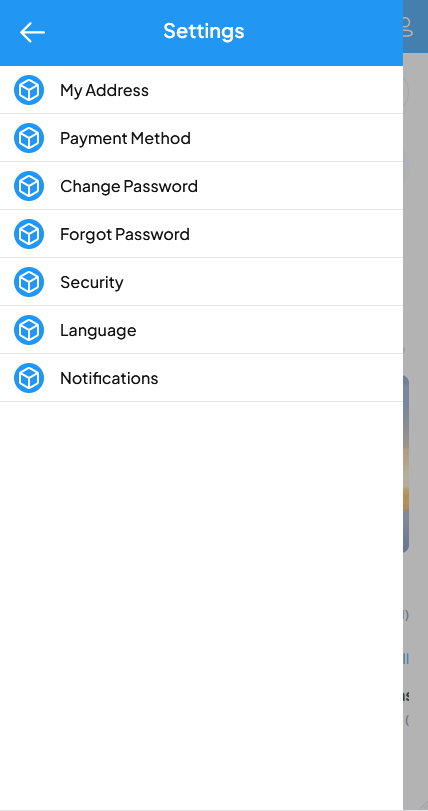
2. home.html, index.html - contains some example of setting blocks which can be used to create custom blocks structures in pages. You can find this page in cards folder inside of preview folder.
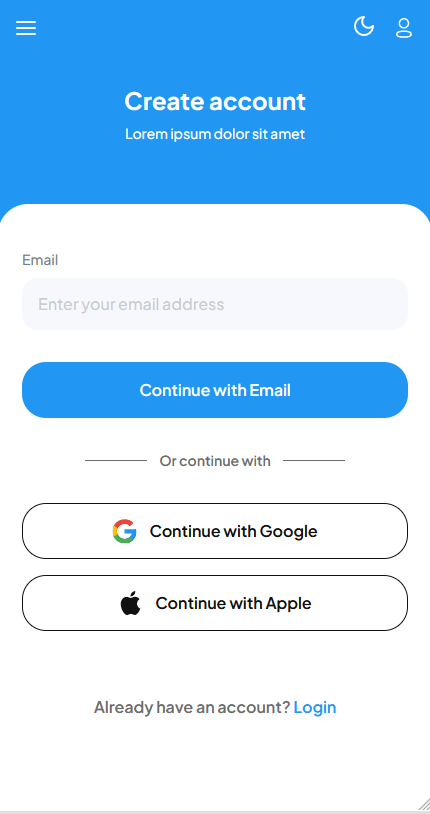
3. welcome.html - contains some example of a registration page which can be used to create registration blocks structures in pages. You can find this page in cards folder inside of preview folder.
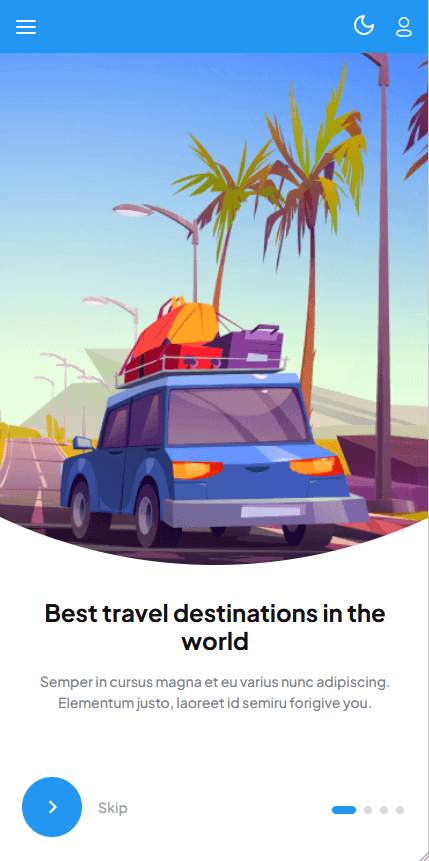
You can add this register page in your application by copy the html and css file in authentication folder. You can find the folder in your preview folder. Or you can see folder section to find the desired folder
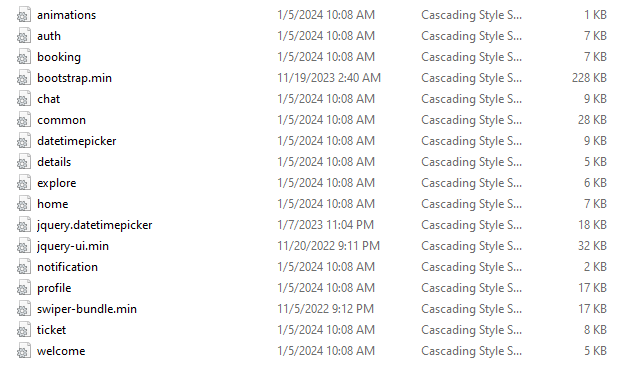
We find all the css files in preview > assets > css folder.
Inside the css folder we find all the css files
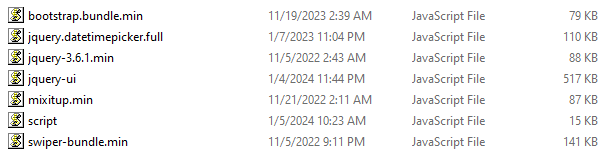
We find all the javascript or jquery file in preview > assets > js folder.
Inside the js folder we find all the js and jquery files